
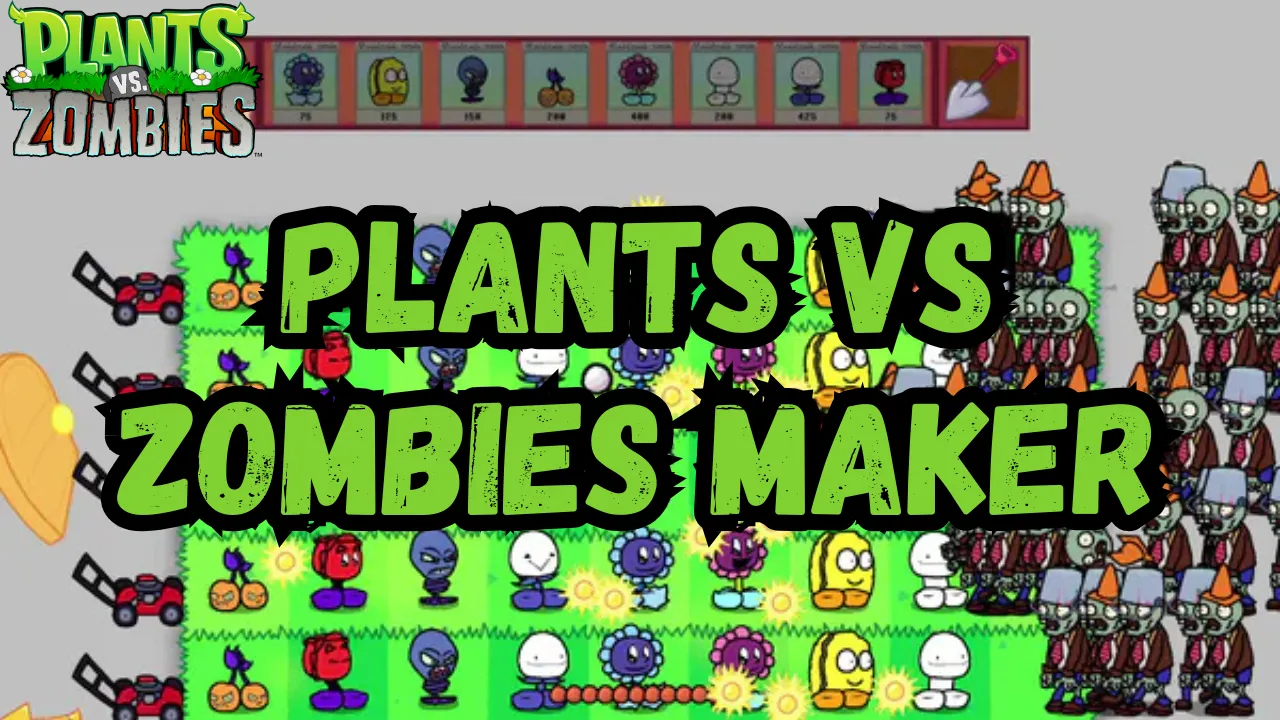
Plants vs Zombies Maker Mod is a comprehensive fan-created modification tool that revolutionizes the PvZ experience by allowing players to design and create their own content. This powerful mod enables users to craft custom plants, zombies, levels, and entire campaigns, offering unprecedented creative freedom within the PvZ universe. With its extensive customization options and community-driven development, PvZ Maker transforms the original game into a platform for boundless creativity.

 (4 votes, average: 4.75 out of 5)
 Loading...
| Feature | Description |
|---|---|
| Plant Creation | Design custom plants with unique appearances, abilities, animations, and stats. Fine-tune attributes like health, sun cost, and damage output. |
| Zombie Design | Create custom zombies with unique looks, behaviors, special abilities, and multiple stages of decay. |
| Level Editor | Robust tools for designing custom levels with unique backgrounds, lawn layouts, hazards, and wave patterns. |
| Campaign Creator | Craft complete campaigns with custom storylines, level progression, and boss battles. |
| Customization Options | Create custom items, power-ups, sound effects, music, and special effects to enhance gameplay. |
| Platform Support | Primarily designed for PC (Windows), with potential compatibility for Mac and Linux through emulation. |
How to Download Plants vs Zombies Maker Mod
Visit GameJolt: Navigate to the download page using the button above.
Download Files: Get the latest version of the mod.
Verify Base Game: Ensure you have the original Plants vs Zombies installed.
How to Install Plants vs Zombies Maker Mod
Extract Files: Use an extraction tool to unpack the downloaded mod files.
Configure Settings: Modify configuration files to point to your PvZ installation.
Launch Mod: Run the mod through its main executable file.
How to Use Plants vs Zombies Maker Mod
Learn the Basics: Familiarize yourself with the mod’s creation tools and interfaces.
Create Content: Start designing your own plants, zombies, and levels.
Test and Refine: Playtest your creations and adjust them for balance.
Share Creations: Join the community to share your content and discover others’ work.