

 (1 votes, average: 4.00 out of 5)
 Loading...
How to Download and Install PvZ DX
Step 1: Prepare Your Game
Ensure you have the original Plants vs Zombies game installed on your PC.
Step 2: Backup Original Files
Back up your original game files for safety.
Step 3: Extract Mod Files
Download and extract the mod files from the provided link.
Step 4: Follow Installation Instructions
Carefully follow the creator’s installation instructions.
Step 5: Replace or Add Files
Replace or add files to your PvZ game directory as directed.
Evolution of Plants vs. Zombies Through Championship Edition
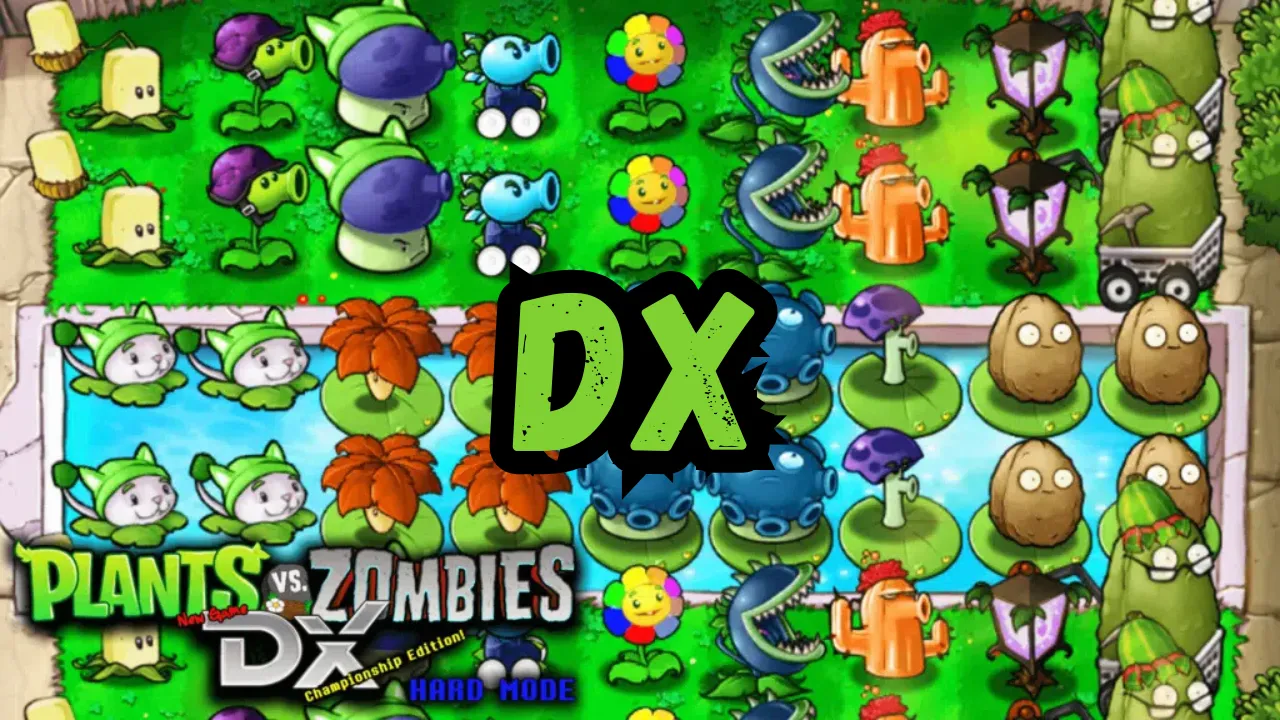
Enhanced Difficulty
Experience redesigned challenges that test even veteran players.
New Content
Explore vast additions to plants, zombies, and gameplay mechanics.
Mini-Games
Discover innovative game modes that expand the PvZ formula.
The Creative Vision Behind PvZ DX Championship Edition
2. Focused on enhancing core gameplay mechanics
3. Introduced challenging new difficulty modes
4. Expanded the game’s content significantly
5. Maintained the original’s charm while adding depth
Development Team Contributions to Plants vs. Zombies DX
| Developer | Primary Focus | Key Contributions |
|---|---|---|
| Keif | Core Systems | Game Balance & Mechanics |
| Corax | Visual Design | Plant & Zombie Art |
| Ayban | Level Design | Mini-Game Creation |
| Aniq | Programming | AI Enhancements |
| JacobAwesomeness | Sound Design | Audio Effects |
New Plant Arsenal in PvZ Championship Edition
Strategic Zombie Types in Plants vs. Zombies DX
Peashooter Flag Zombie
Leader unit that enhances nearby zombies.
AniQ Conehead Zombie
Enhanced durability and special abilities.
Melon-Head Zombie
Resistant to frontal attacks.
Gift Box Zombie
Unpredictable surprise attacks.
Advanced Gameplay Features in Championship Edition
| Feature | Description | Impact |
|---|---|---|
| Hard Mode | Enhanced difficulty settings | Extreme Challenge |
| Mini-Games | New gameplay variations | High Variety |
| Weather System | Environmental effects | Strategic Depth |
| Day/Night Cycle | Time-based challenges | Tactical Planning |
Hard Mode Challenges
2. More frequent special zombie appearances
3. Limited sun production rates
4. Stricter time constraints
5. Enhanced zombie AI coordination
Installation Guide for PvZ DX
2. Back up original game files
3. Extract mod files to game directory
4. Verify file integrity
5. Launch through modified executable
System Requirements
| Component | Minimum | Recommended |
|---|---|---|
| OS | Windows 7 | Windows 10/11 |
| CPU | 2.0 GHz | 3.0 GHz |
| RAM | 2GB | 4GB |
| Storage | 2GB | 5GB |
Community Resources
Forums
Connect with fellow players on Squanch Community.
Discord
Join the active modding community.
YouTube
Watch strategy guides and showcases.
Legal Considerations
2. Review original game’s terms of service
3. Use trusted download sources only
4. Back up game files before installation
5. Stay informed about updates and compatibility